
Table of Contents
- Why Hybrid Teams Need Purpose-Built Facilitation Tools
- Quick Comparison: Facilitation Tools for Hybrid Collaboration
- 1. Miro: Visual Whiteboarding for Large-Scale Facilitation
- 2. Slack: The Digital Hub for Real-Time Team Connection
- 3. Zoom: Reliable Video Conferencing with Built-In Facilitation Features
- 4. Your Life’s Path: DiSC Assessment for Team Building in Hybrid Settings
- 5. Notion, Monday.com, and TeamRetro: Project Tracking and Retrospectives
- Hybrid Meeting Facilitation Techniques That Actually Work
- Inclusive Hybrid Meeting Strategies for Distributed Teams
- Which Tool Fits Your Team? A Decision Framework
- Frequently Asked Questions
Last Updated: October 3, 2026
Why Hybrid Teams Need Purpose-Built Facilitation Tools
According to SearchLab’s 2026 hybrid work report, 71% of organizations now use Microsoft Teams for hybrid collaboration, while 52% rely on Slack and 48% on Zoom. Those numbers tell a story: most teams have the meeting software. What they lack is a deliberate approach to running the meeting itself. Facilitation tools for hybrid team collaboration fill that gap, and this guide from Your Life’s Path breaks down which ones earn their place in your stack.
Here’s the core problem. A hybrid meeting has two audiences at once, the people in the room and the people on the screen, and they experience the session differently. Proximity bias quietly rewards whoever is physically present. The remote half goes quiet. Decisions get made without them.
The right facilitation tools fix that. They give every participant a visible way to contribute, whether they are three feet or three states away.

Quick Comparison: Facilitation Tools for Hybrid Collaboration
Here is how the leading platforms stack up before we get into the detail.
|
Tool |
Free Tier |
Starting Price |
Best For |
Standout Feature |
|---|---|---|---|---|
|
Miro |
Yes |
$8/user/month |
Visual whiteboarding |
Infinite collaborative canvas |
|
Slack |
Yes |
$7.25/user/month |
Real-time connection |
2,600+ app integrations |
|
Zoom |
Yes |
$13.33/user/month |
Video meetings |
Built-in breakout rooms |
|
Your Life’s Path |
No |
Contact for pricing |
Team behavior insight |
Official DiSC® assessments |
|
Notion |
Yes |
$8/user/month |
Async documentation |
Flexible databases |
|
Monday.com |
Yes |
$9/user/month |
Project tracking |
Visual timelines |
|
TeamRetro |
No |
$25/team/month |
Agile retrospectives |
Anonymous feedback |
1. Miro: Visual Whiteboarding for Large-Scale Facilitation
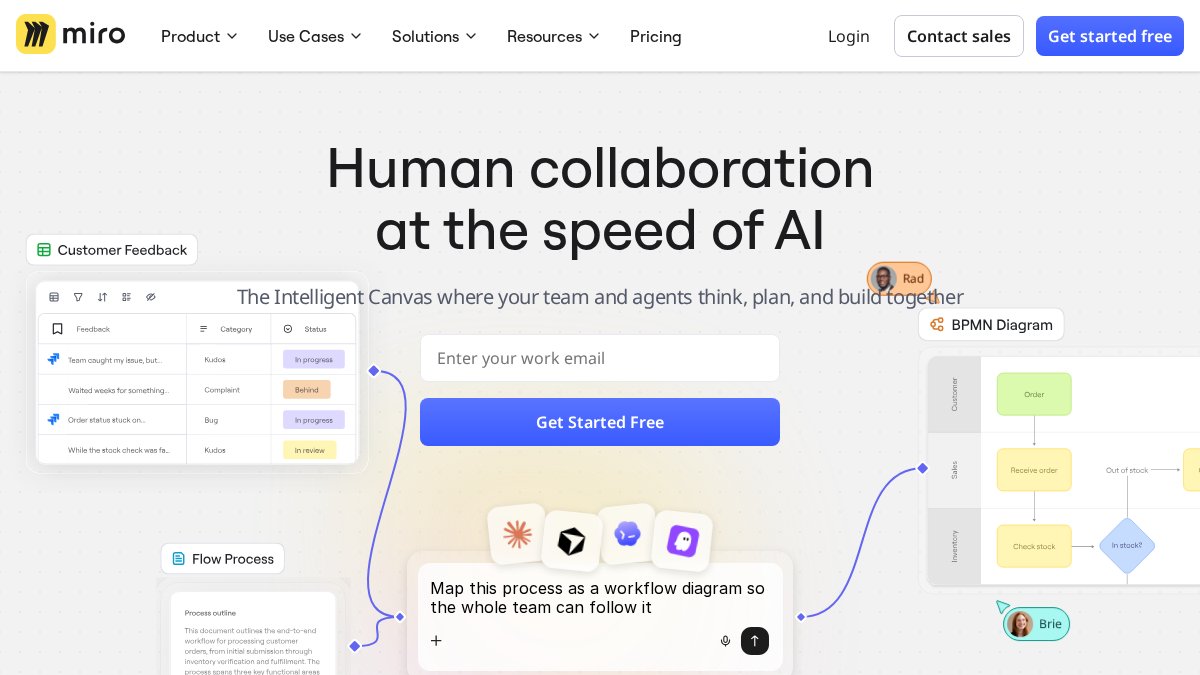
Miro is a visual collaboration platform built for real-time whiteboarding, workshops, and strategy mapping. It earns the top spot for facilitation because the infinite canvas gives every participant, remote or in-room, the same space to contribute.
What most guides miss is how well Miro handles complex workshop structures. You can run a full design sprint with voting, timers, and breakout areas without leaving the board. The template library covers agile ceremonies, journey mapping, and retrospectives out of the box.
The drawback is real: non-technical users need a session or two before the interface stops feeling busy. Budget for that ramp-up.
2. Slack: The Digital Hub for Real-Time Team Connection
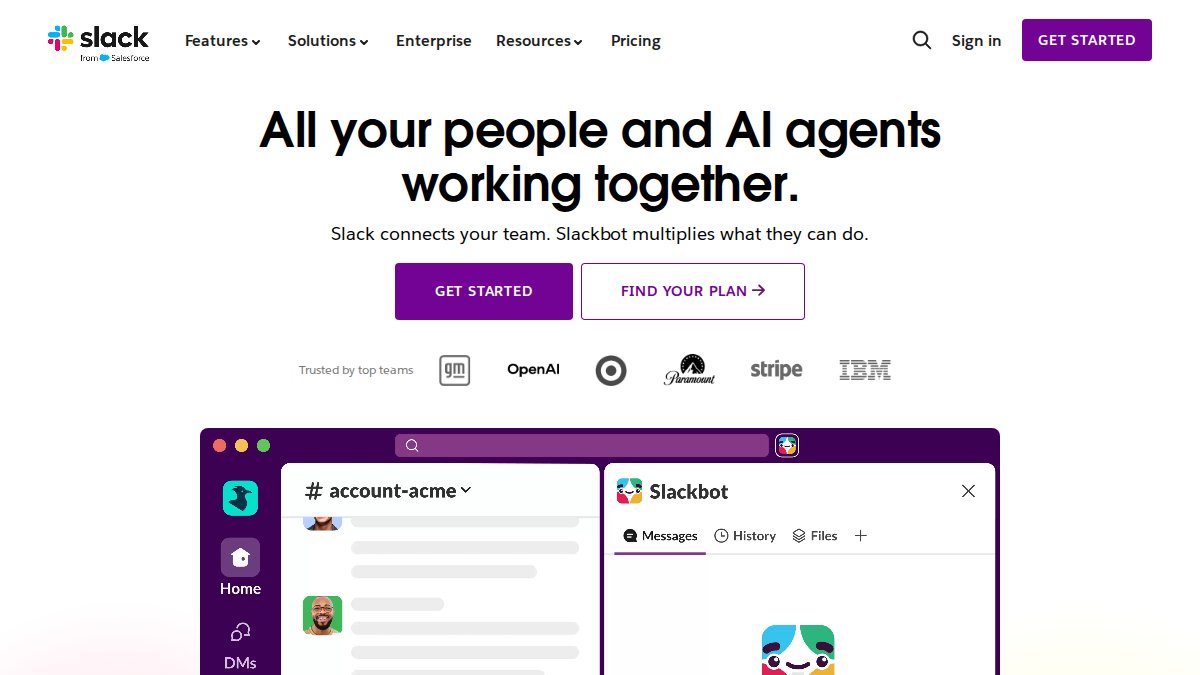
Slack is a channel-based messaging platform that acts as the central hub for team communication. Where whiteboards handle structured sessions, Slack handles the informal collaboration between them, which is where a lot of hybrid team morale actually lives.
Huddles give you spontaneous audio and video without scheduling a meeting. Channels keep project threads searchable. The 2,600-plus integrations mean your facilitation tools report back into one place.
The honest limitation: without channel hygiene, Slack becomes noise. Information overload is the most common complaint we hear, and it is a discipline problem, not a software one.
3. Zoom: Reliable Video Conferencing with Built-In Facilitation Features
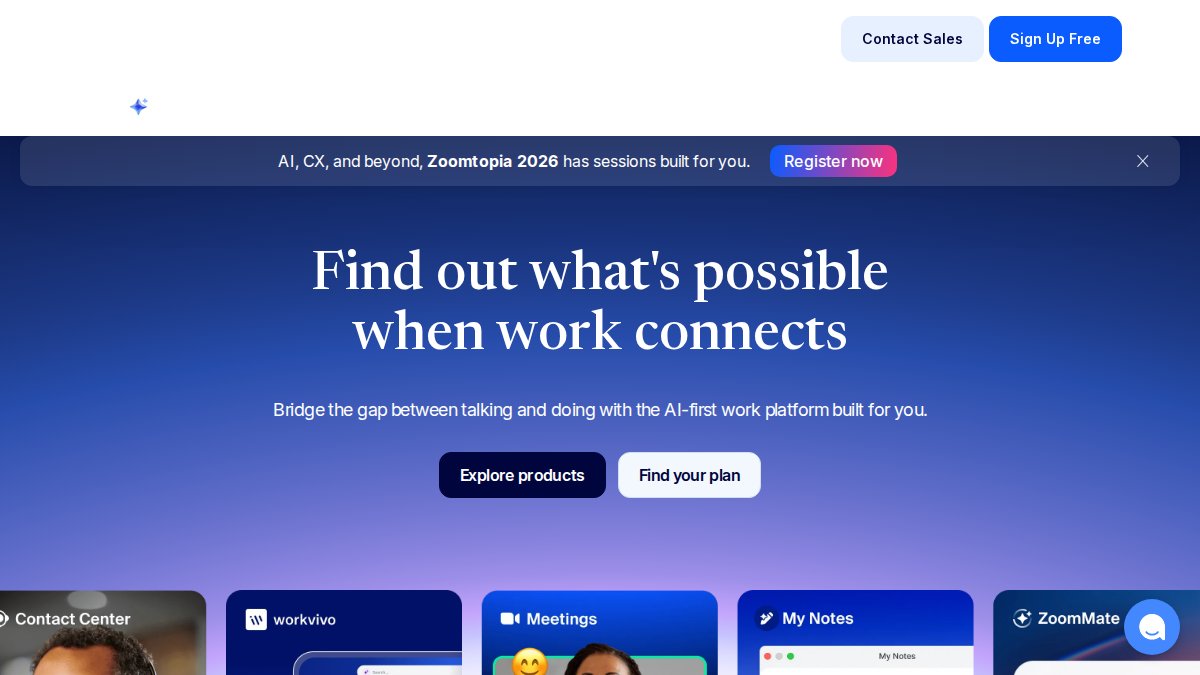
Zoom is a video conferencing solution that provides reliable virtual meeting spaces, and it remains the default for a reason. Breakout rooms, integrated polling, and Q&A features cover most facilitation needs without a second tool.
The cloud recording and automated transcription are quietly useful. You get a searchable record of decisions, which matters when half the team was remote and needs to revisit what was agreed.
Where it falls short: advanced project management requires third-party tools. Zoom runs the meeting; it does not track what happens after.
4. Your Life’s Path: DiSC Assessment for Team Building in Hybrid Settings
Your Life’s Path is the facilitation layer most hybrid stacks are missing entirely. Software organizes the meeting. It does not explain why two teammates talk past each other every single time. That is a behavioral problem, and a DiSC assessment for team building solves it directly.
Our platform provides official DiSC® assessments and workshops that map how each person communicates, decides, and handles conflict. In a hybrid setting, that insight is worth more than usual, because you lose the body language that normally smooths misunderstandings. The Workplace, Management, Sales and Work of Leaders profiles each target a different team challenge, and our free EPIC sub-account setup lets an HR lead administer everything from one dashboard. For teams that want to go further, our Virtual Workshops bring that behavioral insight into a live, facilitated session built for distributed groups.
Where it falls short: this is not a whiteboard or a video tool. It complements your stack rather than replacing any part of it.
5. Notion, Monday.com, and TeamRetro: Project Tracking and Retrospectives
Notion, Monday.com, and TeamRetro handle the asynchronous side of collaboration, the work that happens between live sessions. Notion is a flexible workspace for documentation and knowledge management, and its databases keep team knowledge in one searchable place. Monday.com is a work operating system with visual timelines and automation that tracks accountability across a project. These digital infrastructures ultimately serve as the foundation for broader flexible office solutions that bridge the gap between remote contributions and physical workspace requirements.
TeamRetro is narrower but sharper. It is built specifically for agile retrospectives, with anonymous feedback collection that gets honest answers out of people who would stay quiet in a live session. If retrospectives are your main facilitation ritual, that focus pays off.
The tradeoff across all three: none of them run a live meeting well. They are the record, not the room.
Hybrid Meeting Facilitation Techniques That Actually Work
Most guides stop at “assign a co-facilitator” and “do a tech check.” That advice is fine, but it does not tell you how to wire the room so the techniques actually land. The techniques below pair a facilitation move with the specific hardware-software configuration that makes it work, which is the part competitors skip.
Take The Official DiSC® Assessment Online Now! →
1. The dual-channel rule. Every in-room participant joins the meeting on their own laptop with their own mic and camera, even if they are sitting three feet from the room display. This is the single highest-impact configuration change a hybrid facilitator can make. It forces the video platform to treat every voice as an equal audio stream, which eliminates the “room mic picks up side conversations” problem that makes remote participants mute themselves. Pair it with a shared collaborative canvas so typed contributions sit alongside spoken ones.
2. The 30-second round-robin, timed on screen. Instead of a verbal go-around that lets the room dominate, put a visible timer on the shared canvas and give every participant, remote and in-room, 30 seconds to type one idea before anyone speaks. Research from ScienceDirect on embedded experts in online collaborative learning found that structured contribution windows significantly influence the quality of interaction and knowledge sharing over long periods. The mechanism is simple: typing first removes the proximity advantage that rewards whoever is physically closest to the facilitator.
3. The camera-on norm with an off-ramp. Blanket camera mandates backfire. A workable pattern most practitioners land on is: cameras on for the first five minutes and the last five minutes, optional in between. This preserves the social signal that builds trust without forcing neurodivergent or bandwidth-constrained participants to perform attention for an hour.
4. The parking-lot channel, not the parking-lot whiteboard. In-room whiteboards are invisible to remote participants. Replace them with a dedicated Slack channel or a canvas frame labeled “Parking Lot” that anyone can add to during the session. The facilitator reviews it in the last five minutes. This is a small change that closes a large visibility gap.
5. The two-minute tech check, scripted. Do not ask “can everyone hear me?” Ask each participant to confirm three things in chat: audio in, video in, and canvas access. A scripted check surfaces problems in under two minutes instead of ten.
6. The integration workflow most guides ignore. If your room has a PTZ camera, set a preset that frames the whole table rather than the speaker. Speaker-tracking cameras feel natural in the room but disorienting on screen because the frame jumps every time someone shifts. A wide preset plus the dual-channel rule gives remote participants a stable view and clear audio, which is the configuration that actually supports the techniques above.
Inclusive Hybrid Meeting Strategies for Distributed Teams
Inclusive hybrid meeting strategies come down to one principle: the room should never have an advantage. According to Breeze Project Management on hybrid work standards, hybrid work is now the standard operating model for many teams, which means equity has to be designed in, not hoped for.
Most guides cover the basics: rotate meeting times, name the facilitator, measure participation. Those matter. But the gap almost every competitor leaves open is accessibility, and it is the one that quietly excludes the most people.
Design for neurodivergent and disabled participants from the start. A few concrete mechanisms:
- Live captions on by default, not on request. Every major video platform now supports automated captions. Turning them on for every session removes the burden of a participant having to ask, which is the single most common reason people who need them do not use them.
- Agenda shared 24 hours ahead in writing. This is standard good practice, but for participants who need processing time, it is the difference between contributing and staying silent. It also gives anyone using a screen reader time to navigate the document.
- One input channel at a time. When the facilitator asks people to type in chat while someone is speaking, participants using captions or assistive tech lose the thread. Sequence the channels: speak, then type, then discuss.
- Color and contrast in shared canvases. Whiteboard tools default to low-contrast sticky notes and color-coded categories. Check that your canvas templates meet basic contrast standards, because color-only coding excludes participants with color vision deficiency.
- Record and transcribe every session. A searchable transcript is an accessibility feature and a productivity feature at the same time. It lets anyone who missed a session catch up without scheduling a follow-up.
The proximity bias fix that actually works. Requiring everyone to join on their own device is the most-cited tactic, and it is effective. The less-cited companion move is to have the facilitator explicitly call on remote participants by name in the first ten minutes. Proximity bias is not just about who speaks; it is about who gets invited to speak. Naming people early breaks the pattern.
Measure participation, not attendance. Attendance tells you nothing about equity. Track who spoke, who typed, and who contributed to the shared canvas. A simple pattern is to review the canvas after each session and note which participants left no trace. That is your inclusion signal.
The Distance Matters Paradox is worth knowing here. ResearchGate on hybrid team coordination notes that strong collaboration inside one team can create silos that hurt collaboration between teams. Tight-knit is not automatically healthy, and an inclusive team that never talks to the team next to it is still a coordination risk.
Which Tool Fits Your Team? A Decision Framework
The right facilitation tools for hybrid team collaboration depend on what is actually breaking. Use this framework:
- Ideas stall in meetings → Miro for visual whiteboarding.
- Communication feels scattered → Slack as your digital hub.
- Meetings run fine but people clash → Your Life’s Path for DiSC insight.
- Work slips between meetings → Notion or Monday.com.
- Retrospectives feel shallow → TeamRetro.
Most teams need two or three, not seven. Start with the one that fixes your biggest failure point. If you are not sure where to begin, Your Life’s Path is a sensible first stop: the DiSC assessments and Virtual Workshops address the human side of facilitation that no whiteboard or video tool can, and they pair cleanly with whatever software you already run.
Frequently Asked Questions
What are the best tools for hybrid team collaboration?
The best tools depend on your team’s primary needs. For visual collaboration, Miro offers an infinite canvas with real-time cursors and voting. Slack serves as a digital hub for asynchronous communication and quick huddles. Zoom provides reliable video conferencing with breakout rooms and polling. For team-building and communication insights, Your Life’s Path offers DiSC assessments that help hybrid teams understand behavioral drivers. According to SearchLab’s 2026 report, 71% of organizations use Microsoft Teams, 52% use Slack, and 48% use Zoom, making these the most widely adopted platforms for hybrid collaboration.
How do you facilitate a hybrid meeting effectively?
Effective hybrid facilitation requires equal attention to remote and in-room participants. Start with a tech check to ensure audio and video work for everyone. Use a shared digital workspace like Miro or a collaborative document so all participants can contribute simultaneously. Assign a co-facilitator to monitor chat and remote engagement. Build in breakout groups to give remote attendees smaller, more intimate discussion spaces. Close with a clear summary and action items visible to everyone. Research from ScienceDirect (2021) shows that embedded experts in online collaborative environments significantly influence interaction quality and knowledge sharing over time.
How can DiSC assessments improve hybrid team communication?
DiSC assessments give team members a shared language for understanding behavioral differences. In hybrid settings, where nonverbal cues are harder to read, knowing whether a colleague prefers direct communication or needs time to process can prevent misunderstandings. Your Life’s Path provides official DiSC assessments with specialized profiles for management, sales, and leadership. The Catalyst platform allows facilitators to run virtual workshops and keep the insights active long after the initial session. Teams that use DiSC for team building report improved communication and fewer conflicts because they can adapt their approach to different personality styles.
What are the key challenges of hybrid team collaboration?
Hybrid teams face three core challenges: proximity bias, where in-office employees get more visibility and opportunities; asynchronous collaboration gaps, where time zones and schedules delay decision-making; and meeting fatigue from poorly designed virtual sessions. ResearchGate (2022) identified a distance matters paradox, where strong collaboration within a team can create silos that harm inter-team collaboration. Addressing these requires intentional facilitation, clear communication norms, and tools that give remote participants equal footing in discussions and decision-making.
How do you ensure inclusivity in hybrid meetings?
Inclusive hybrid meeting strategies start with meeting design. Send agendas in advance so everyone can prepare. Use round-robin or structured turn-taking so remote voices are not drowned out by in-room conversation. Enable captions and provide materials in accessible formats. Rotate meeting times to accommodate different time zones. Use anonymous polling or digital whiteboards for quieter team members to share ideas. According to Voltage Control (2026), visual collaboration tools like shared surfaces, virtual whiteboards, and shared slide decks are the three primary categories for bridging remote and in-room participants. Assign a facilitator whose sole job is ensuring balanced participation.
Hybrid collaboration breaks down for a predictable reason: teams invest in software and skip the human layer underneath it. That is where we come in. Your Life’s Path provides official DiSC® assessments, free EPIC sub-account setup, and workshops that turn behavioral insight into better meetings. Take the official DiSC® assessment online now and give your hybrid team the foundation no whiteboard can provide.