
Table of Contents
- Why Internal Team Communication Tools Matter
- Quick Comparison: 5 Best Tools for Internal Team Communication
- How We Selected These Tools
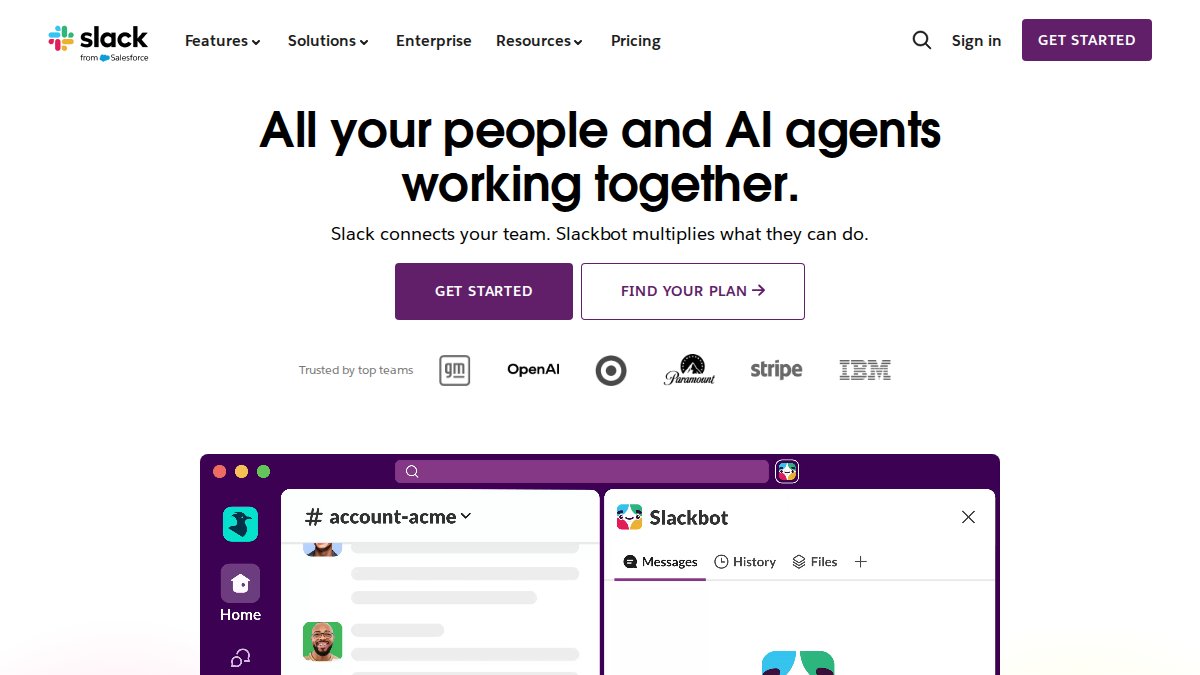
- 1. Slack: Channel-Based Messaging for Organized Conversations
- 2. Microsoft Teams: Unified Communication Within Your Ecosystem
- 3. Google Workspace: Cloud-Native Collaboration and Chat
- 4. Asana: Task-Centric Communication and Team Collaboration Tools
- 5. Zoom Workplace: Video-First Communication Platform
5 Best Tools for Internal Team Communication
Last Updated: July 31, 2026
Why Internal Team Communication Tools Matter
Communication breakdowns cost teams time, morale, and revenue. Companies investing in unified communication platforms see measurable improvements in both team cohesion and operational efficiency. The challenge isn’t finding tools, it’s finding the right combination that fits your team’s workflow, budget, and culture.
The best internal team communication strategy combines multiple capabilities: synchronous messaging, asynchronous collaboration, file sharing, and task tracking working together. What most guides miss is that communication tools are only as effective as the behavioral alignment behind them. Teams with strong communication fundamentals, clarity about roles, and shared goals use tools effectively. Teams without those foundations waste money on platforms they don’t actually use.

Quick Comparison: 5 Best Tools for Internal Team Communication
|
Tool |
Starting Price |
Free Tier |
Best For |
Core Strength |
|---|---|---|---|---|
|
Slack |
$7.25/user/month (annual) |
Limited (90-day history) |
Channel-organized teams needing searchability |
Integrations and ease of adoption |
|
Microsoft Teams |
$4/user/month (annual) |
Yes (Teams Essentials) |
Organizations already in Microsoft 365 ecosystem |
Seamless Office integration and compliance |
|
Google Workspace |
$7/user/month (annual) |
14-day trial only |
Cloud-first organizations prioritizing real-time collaboration |
Document collaboration and Gmail integration |
|
Asana |
$10.99/user/month (annual) |
Yes (limited features) |
Teams managing complex projects alongside communication |
Task-centric workflows with built-in chat |
|
Zoom Workplace |
$13.33/user/month (annual) |
Yes (40-min limit on group calls) |
Teams reliant on video-first communication |
Video quality and AI meeting summaries |
The right choice depends on your team’s size, existing software ecosystem, and whether you prioritize messaging, video, project management, or document collaboration.
How We Selected These Tools
We evaluated communication platforms against five core criteria: ease of adoption, integration breadth, communication features, scalability, and total cost of ownership. We prioritized platforms with proven track records for teams ranging from 10 to 10,000+ employees, weighing real-world usability over feature count.
1. Slack: Channel-Based Messaging for Organized Conversations
Slack organizes conversations by topic, project, or team rather than by individual. If your team struggles with email overload, Slack’s channel structure forces clarity. The free plan limits you to 90 days of message history, which quickly becomes restrictive. Paid plans unlock unlimited history, 2,600+ integrations, and granular permission controls.
Slack’s real power emerges when you treat channels as searchable institutional memory. A question about how you handled a client issue two years ago? Search the relevant channel instead of excavating email.
Pros:
- Unmatched integration ecosystem
- Intuitive interface with minimal learning curve
- Powerful search makes institutional knowledge retrievable
- Functional mobile apps
Cons:
- Free plan is nearly unusable for active teams
- Notification fatigue is common without disciplined management
- Per-user pricing scales quickly with headcount
- Can become chaotic with too many channels
2. Microsoft Teams: Unified Communication Within Your Ecosystem
Microsoft Teams bundles chat, video conferencing, file storage, and Office app integration into one platform. For organizations already committed to Microsoft 365, Teams eliminates tool-switching friction. Co-authoring documents in real-time within a Teams chat channel is seamless.
The learning curve is steeper than Slack for teams new to Microsoft products, but organizations with existing Windows/Office infrastructure find Teams natural. Video conferencing quality rivals Zoom and handles large meetings without degradation.
Pros:
- Seamless integration with Microsoft 365 apps
- Strong compliance and security features
- Enterprise-grade video conferencing
- Competitive pricing for Microsoft subscribers
Cons:
- Resource-intensive; can slow older devices
- Less intuitive interface than Slack
- Integration with non-Microsoft tools is limited
- Notification management requires discipline
3. Google Workspace: Cloud-Native Collaboration and Chat
Google Workspace is built for teams that live in the browser and prioritize real-time document collaboration. If your team spends significant time in shared spreadsheets and documents, Workspace’s native collaboration is unmatched. Google Chat integrates seamlessly with Gmail and other Workspace apps, allowing you to move from conversation to video call without switching platforms.
The cloud-native architecture means no software to install and automatic updates. Teams working across multiple devices appreciate Google’s efficiency.
Pros:
- Best-in-class real-time document collaboration
- Clean, lightweight interface works on any device
- Automatic updates and no installation friction
- Generous cloud storage on most plans
Cons:
- No free tier for businesses
- Chat features lag behind dedicated messaging platforms
- Limited integrations compared to Slack
- Requires adoption of Google’s entire suite for maximum value
4. Asana: Task-Centric Communication and Team Collaboration Tools
Asana blurs the line between project management and communication. If your team’s primary pain point is coordinating work, Asana embeds communication directly into task workflows. Comments live on tasks, attachments are task-specific, and status updates flow through task completion.
The platform supports multiple views (list, board, timeline, calendar, Gantt) so different team members see work in their preferred format. Asana’s automation builder handles repetitive task creation and status updates.
Pros:
- Excellent for visualizing project progress and dependencies
- Flexible views accommodate different work styles
- Strong automation reduces manual task management
- Communication stays tied to actual work
Cons:
- Steep learning curve for new users
- Per-user pricing becomes expensive for large teams
- Can be overkill for teams with simple workflows
5. Zoom Workplace: Video-First Communication Platform
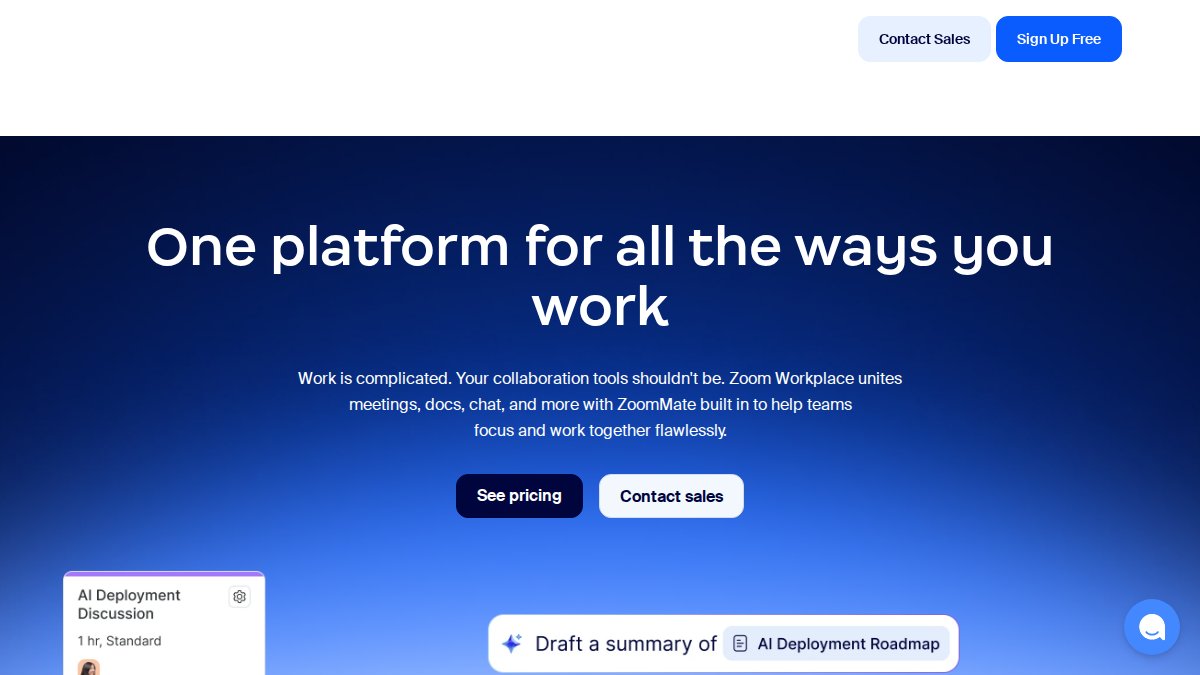
Zoom Workplace bundles video conferencing, persistent chat, phone calling, and whiteboarding into one platform. For distributed teams or those reliant on face-to-face interaction, Zoom consolidates video, chat, and calling into a single experience.
Zoom’s strength is video reliability, its infrastructure handles 300+ million daily meeting participants without degradation. The AI Companion feature summarizes meetings, extracts action items, and drafts follow-up messages, reducing administrative overhead.
Pros:
- Industry-leading video conferencing reliability
- Comprehensive suite consolidates multiple tools
- AI meeting summaries save time
- Phone integration replaces need for separate VoIP service
Cons:
- Free plan’s 40-minute limit is restrictive
- Chat features are basic compared to dedicated messaging platforms
- Add-ons increase total cost
- Less suitable for teams that rarely use video
Key Features to Look for in Internal Team Communication Tools
Prioritize three structural elements: searchability, integration depth, and permission granularity. Searchability separates tools that become institutional memory from tools that are just noise. Integration breadth matters because tool-switching kills productivity. Permission controls prevent communication chaos by restricting sensitive channels without requiring IT intervention for every change.
Reducing Hiring Bias and Improving Team Dynamics Through Communication
Clear communication reduces miscommunication, which reduces conflict and improves retention. Teams with strong internal communication typically understand how their members prefer to communicate and process information. Some people need written documentation before meetings; others think out loud. Some prefer direct feedback; others need context first.
Understanding your team’s communication preferences prevents the common pattern where communication tools become repositories of unread messages. A team with strong behavioral alignment can communicate effectively even with basic tools. Tools like DiSC Workplace Profile help teams understand these communication preferences at a deeper level, ensuring that your chosen platform becomes a vehicle for genuine connection rather than just another notification stream.
Pricing Models and Total Cost of Ownership
Per-user pricing typically ranges from $4 to $13 per user per month on annual contracts. However, total cost of ownership extends beyond the per-user fee to include adoption costs, switching costs, and the cost of unused features. For small teams (under 20 people), free or low-cost tiers often suffice. For mid-size teams (20-200 people), budget for at least one paid tier.
Implementation Timeline and Onboarding Effort
Most communication platforms require minimal IT setup. The real implementation work is behavioral: getting teams to actually use the platform consistently. This typically takes 4-8 weeks. Teams that assign a “communication champion” see faster adoption and higher long-term usage.
Post-Hire Development and Ongoing Usage
Communication tools become most valuable after the initial onboarding phase. As teams grow, searchable message history becomes institutional memory. New hires can search past decisions rather than asking “Why do we do it this way?”
Establish clear norms: which channels are for what type of conversation? When should people use synchronous chat vs. asynchronous comments? Teams without these norms see communication tools devolve into noise.
Choosing the right internal team communication tool requires matching platform capabilities to your team’s actual workflows. The 5 best tools for internal team communication each excel in different contexts: Slack for chat-centric teams, Microsoft Teams for Microsoft-ecosystem organizations, Google Workspace for collaboration-first teams, Asana for project-driven teams, and Zoom Workplace for video-dependent teams.
However, tools are only the foundation. Real communication improvement comes from understanding how your team members prefer to interact. This is where behavioral insights make a tangible difference. By combining the right communication platform with the DiSC Workplace Profile, teams understand not just what they’re communicating, but how to communicate in ways that resonate with each team member. Our Free EPIC Sub-Accounts make it easy to administer assessments across your organization, and our DiSC Catalyst For Teams learning tools help teams apply those insights to real communication challenges. The result is stronger team cohesion, fewer miscommunications, and communication tools that people actually use effectively.
Frequently Asked Questions
What are the best tools for internal team communication?
The best tools depend on your team's needs. Slack excels at organized messaging, Microsoft Teams integrates seamlessly with Microsoft 365, Google Workspace offers cloud-native collaboration, Asana combines task management with communication, and Zoom Workplace prioritizes video-first interaction. Consider your existing tech stack, team size, budget, and whether you need project management alongside messaging when selecting tools for internal team communication.
How do I build an effective internal communication strategy?
Start by identifying your communication goals: reducing email overload, improving cross-team visibility, or enhancing remote collaboration. Choose tools that align with your workflow, establish clear guidelines on which channels to use for different message types, and ensure leadership models the behavior you want. Train your team on the platform, set expectations for response times, and regularly gather feedback to refine your internal communication strategy over time.
What's the difference between remote team communication tools and office-based solutions?
Remote team communication tools prioritize asynchronous messaging, recording capabilities, and time-zone flexibility, while office-based solutions may emphasize quick huddles and spontaneous collaboration. The best remote team communication tools support both synchronous (video calls) and asynchronous (message threads) communication. Modern platforms like Slack, Teams, and Zoom Workplace work equally well for hybrid and fully remote teams, making the distinction less important than choosing tools that support your specific work model.
How can employee engagement platforms measure communication effectiveness?
Employee engagement platforms track metrics like message response times, channel activity levels, and team participation rates to gauge communication health. Some tools offer sentiment analysis on conversations and pulse surveys to assess team morale. However, the most meaningful measure is whether your team feels heard, collaboration improves, and projects move forward faster. Look for platforms that combine quantitative data with qualitative feedback to understand the true impact of your employee engagement and communication initiatives.
Should we use one tool or multiple tools for team communication?
Using one unified platform reduces complexity and improves adoption, but most organizations use 2-3 complementary tools. For example, you might use Slack for messaging, Asana for project-related communication, and Zoom for video calls. The key is ensuring these tools integrate well and establishing clear guidelines about which tool to use for different types of communication. Too many disconnected tools create confusion; too few may lack specialized functionality your team needs.
This article was written using GrandRanker